Passport Photo Maker
Create passport photos online from your image.
How to Create Your Passport Photos
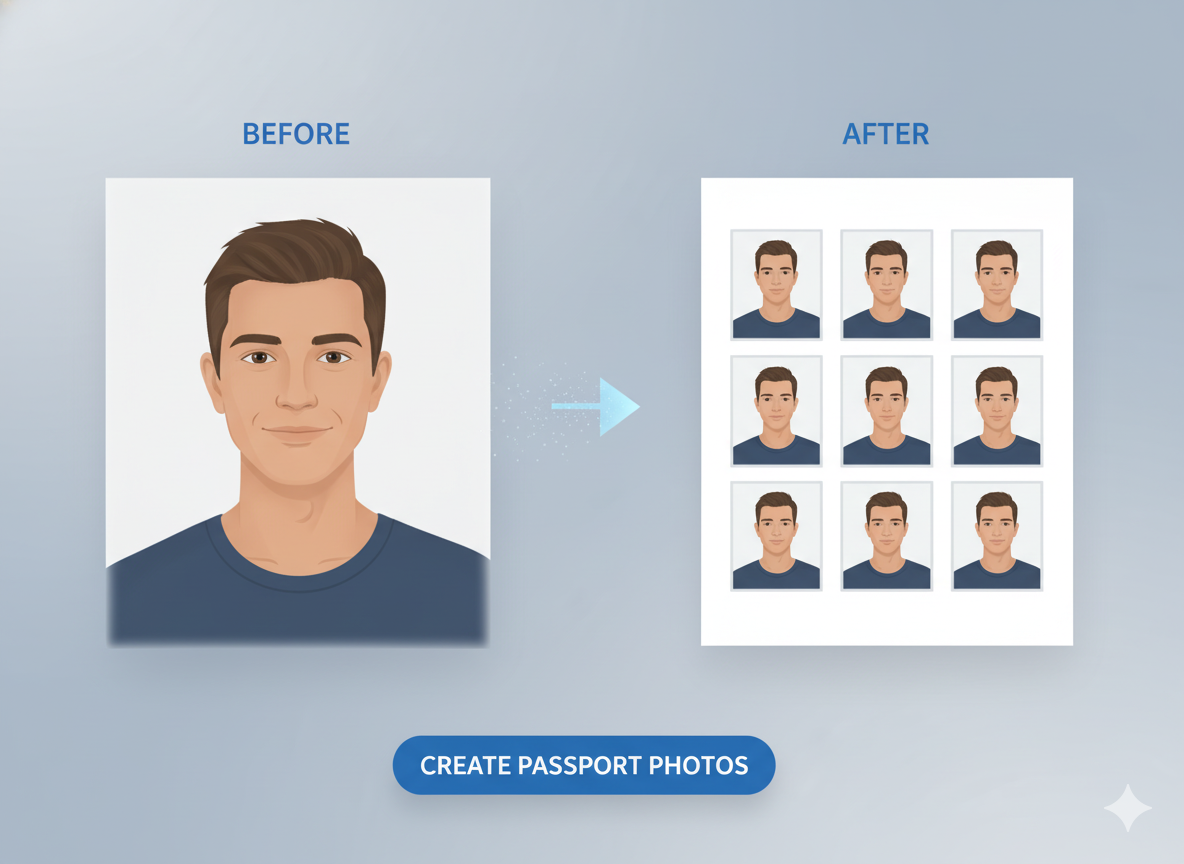
Creating official-standard passport photos at home is simple with our tool. Save time and money by preparing your own printable photo sheet in just a few clicks.
1. Upload Your Photo
Select a clear, forward-facing portrait with a neutral background. Our tool will help you crop and position it correctly.
2. Choose Your Size
Select the official photo dimensions (e.g., 35x45mm) and the paper size (e.g., 4x6 inch) you plan to print on. Adjust brightness and contrast as needed.
3. Generate & Download
Click "Generate" to create a sheet of multiple passport photos. You can then download the image file and print it at home or at a photo store.
Why Use Our Passport Photo Maker?
- Save Money: Avoid expensive photo studio fees by creating your own photos.
- Quick & Convenient: Get your photos ready in minutes from the comfort of your home.
- Standard Sizes: Supports common passport and visa photo sizes for various documents.
- Easy Adjustments: Fine-tune brightness and contrast to meet official requirements.
- Print-Ready Sheets: Automatically arranges photos on standard paper sizes for easy printing.
- Free & Secure: The tool is completely free to use and your images are processed securely.
Common Uses
Passport Photos
Create photos that meet the requirements for passport applications.
Visa Photos
Prepare photos for visa applications for international travel.
ID Cards
Generate photos for student IDs, employee badges, or other identification cards.
Official Forms
Use for any application or form that requires a recent portrait photo.