Image Rotator
Rotate images with preset angles, a slider, or by dragging.
How to Use the Image Rotator
Easily correct the orientation of any image or get creative with angles. Our tool offers multiple ways to rotate your pictures instantly.
1. Upload Your Image
Click the upload area or drag and drop an image file. Your picture will appear in the editor, ready to be rotated.
2. Rotate as You Like
Use the preset buttons (+90°, -90°) for quick turns, the slider for precise angles, or click and drag the image for free-form rotation.
3. Download Your Image
Once you're happy with the result, click the "Download" button to save your newly rotated image to your device.
Why Use Our Image Rotator?
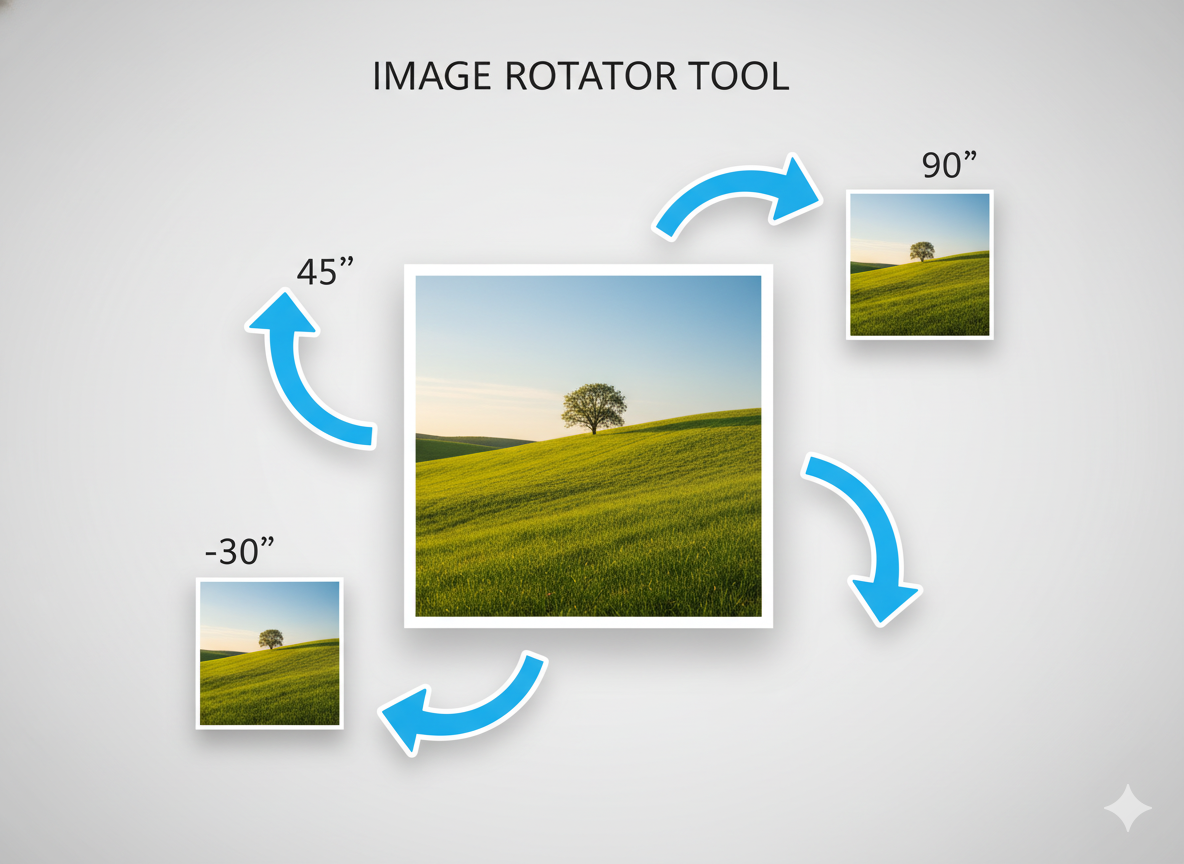
- Multiple Rotation Methods: Use presets, a slider, or drag-and-rotate.
- Live Preview: See the changes in real-time as you adjust the angle.
- Intuitive Control: Easily get the exact angle you need.
- Client-Side Processing: Fast and secure, as your images don't leave your computer.
- Completely Free: Rotate as many images as you want, with no watermarks.
Common Uses
Fix Photo Orientation
Correct photos that were taken sideways or upside-down on your phone or camera.
Creative Tilting
Add a dynamic or artistic tilt to your images for social media posts or designs.
Straighten Documents
Make minor adjustments to straighten slightly skewed scans or photos of documents.
Prepare for Editing
Ensure your image has the correct orientation before proceeding with other edits.