Image Resizer
Resize images by percentage, width, height, or fixed dimensions.
How to Use Our Free Online Image Resizer
Quickly and easily resize your images to the exact dimensions or file size you need. Our tool offers flexible options to resize by percentage, specific width or height, fixed dimensions, or even a target file size in KB.
Upload Your Image(s)
Click the upload area to select one or more images, or simply drag and drop them into the box. Our tool supports batch processing.
Choose a Resize Option
Select how you want to resize your image(s): by a percentage, by a specific width or height (while maintaining aspect ratio), by fixed dimensions, or to a target file size.
Resize and Download
Click "Resize Image" and your new image(s) will be ready for download. Multiple images will be conveniently zipped for you.
Why Use Our Free Image Resizer?
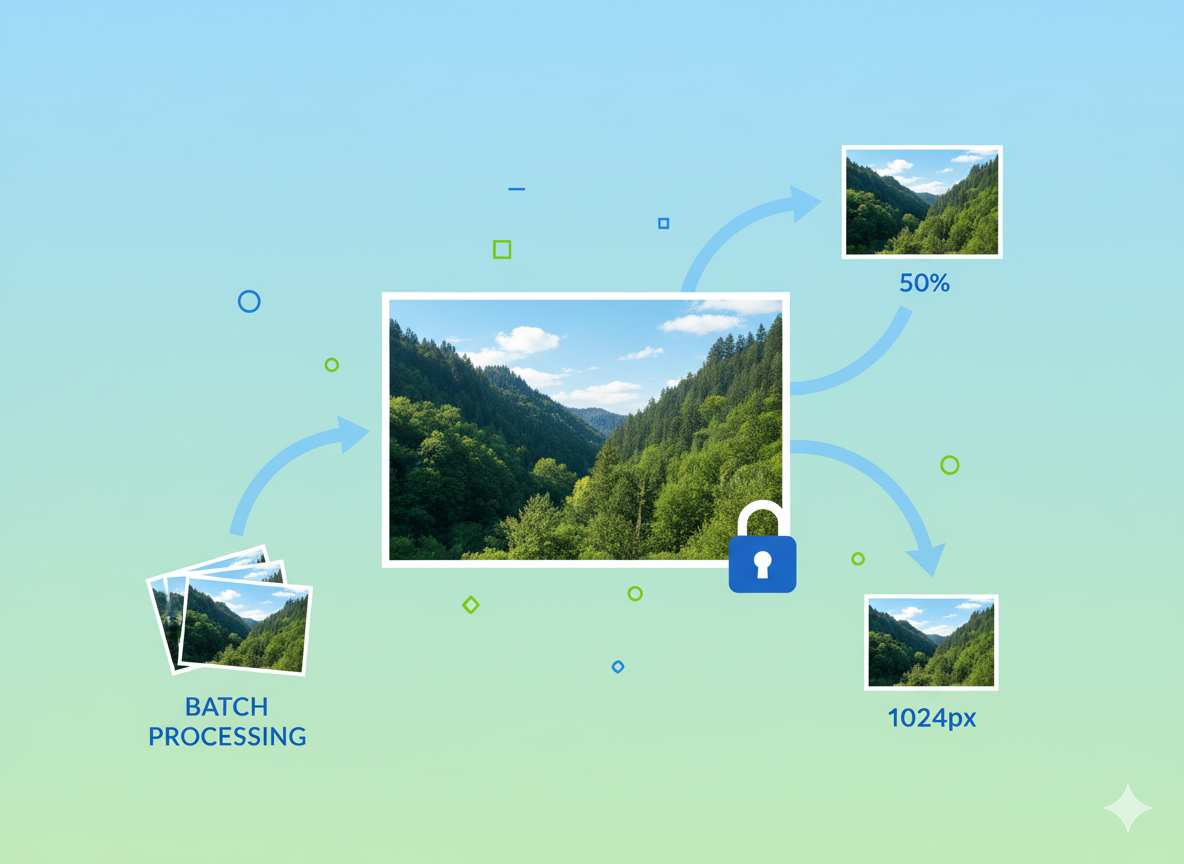
- Flexible Options: Resize by percentage, pixels, or file size to meet any requirement.
- Batch Processing: Save time by resizing multiple images at once.
- Aspect Ratio Lock: Automatically maintain the aspect ratio to avoid distortion when resizing by width or height.
- Simple & Fast: A straightforward interface for quick and easy image resizing.
- Completely Free: No fees, no subscriptions, and no limits on the number of images.
Common Use Cases for Image Resizing
Web Performance
Optimize images for your website to ensure fast loading times and a better user experience.
Email Attachments
Reduce image file sizes to meet email attachment limits and send them faster.
Social Media
Resize photos to fit the specific requirements of platforms like Instagram, Facebook, and Twitter.
Document Inclusion
Shrink images to embed in Word documents or PowerPoint presentations without bloating the file.