Image Flipper
Flip your images horizontally or vertically.
How to Flip an Image
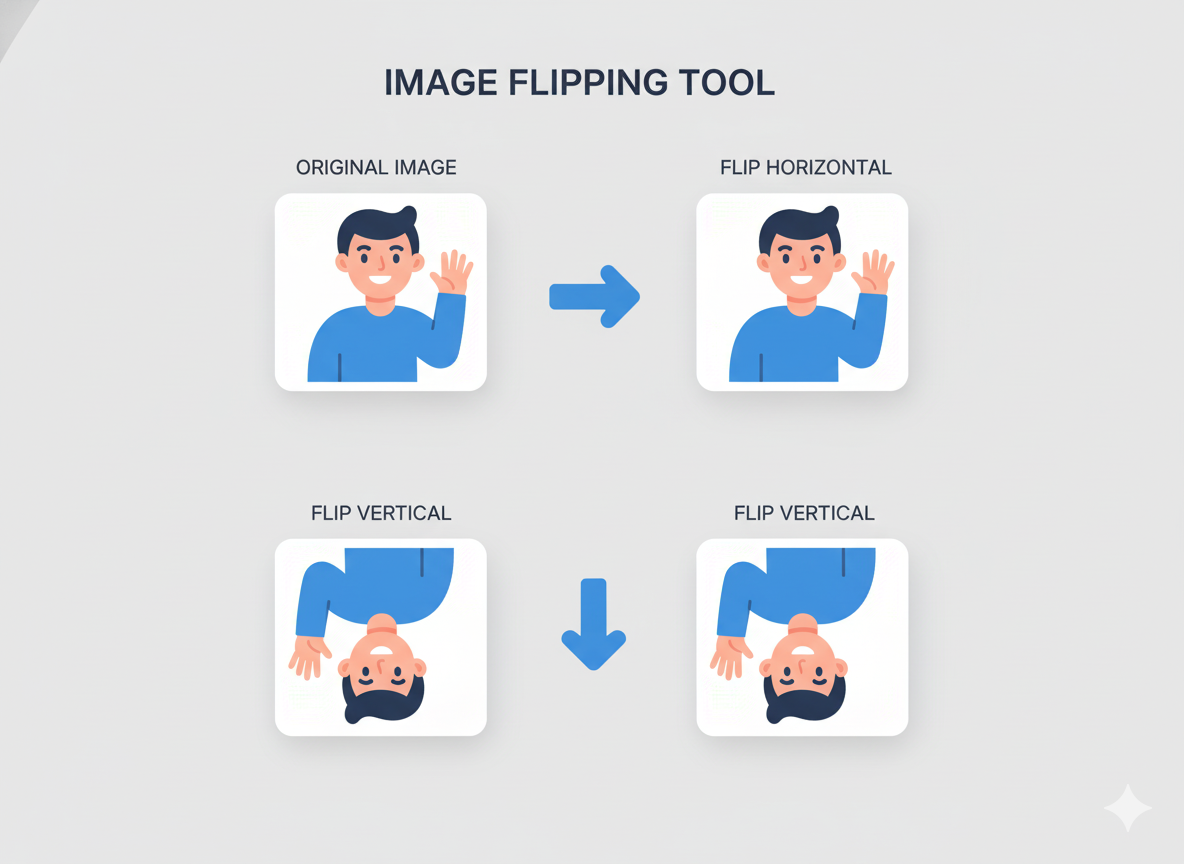
Instantly create a mirror image or flip a picture upside down. Our free online tool makes it easy to flip any image horizontally or vertically in seconds.
1. Upload Your Image
Click the upload box or drag and drop your image file. A preview of your original image will be displayed.
2. Choose a Direction
Select "Horizontal" to create a mirror image or "Vertical" to flip the image upside down.
3. Flip & Download
Click the "Flip Image" button. Your flipped image will appear, ready for you to download instantly.
Why Use Our Image Flipper?
- Simple & Fast: Flip any image with just a couple of clicks.
- Horizontal & Vertical Flip: Supports both mirroring and vertical flipping.
- Instant Preview: See your original image before you commit to flipping.
- Quick Download: Get your new image without any watermarks or delays.
- Secure & Private: Your images are processed securely and are not stored.
Common Uses for Image Flipping
Fix Mirrored Selfies
Flip your selfies so that any text on your clothing or in the background reads correctly.
Change Profile Picture
Create a mirror image of your profile picture for a new look on social media.
Creative Design
Use mirrored images to create symmetrical patterns or interesting artistic effects.
Correct Orientation
Flip images that have been saved or scanned upside down by mistake.