Image Cropper
Crop your images with ease.
How to Use Our Free Online Image Cropper
Our online Image Cropper makes it simple to trim your images to the perfect size. Remove unwanted areas, frame your subject perfectly, or create images for specific aspect ratios in just a few clicks.
Upload Your Image
Click the upload area or drag and drop your image file. Your photo will appear in our interactive cropping tool.
Define the Crop Area
A cropping box will appear over your image. Click and drag the corners or edges to adjust the size and shape of the crop area to your liking.
Crop and Download
Once you are happy with the selection, click the "Crop Image" button. Your perfectly cropped image will be ready for instant download.
Why Use Our Free Image Cropper?
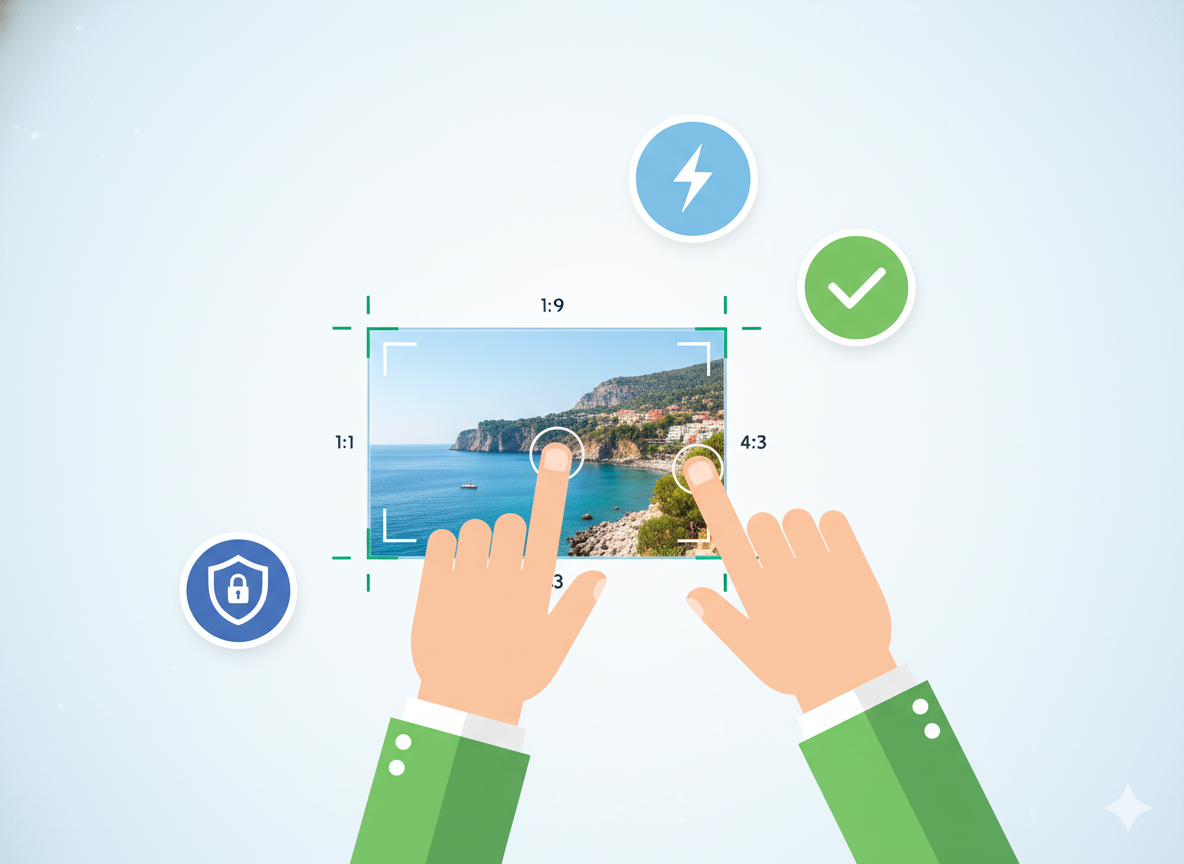
- Precision Control: Get the exact crop you want with our easy-to-use selection tool.
- Aspect Ratio Options: Lock the aspect ratio for common sizes (e.g., square, 16:9).
- Simple Interface: No complicated menus or software. Just upload, crop, and download.
- Fast and Free: Crop as many images as you need without any cost or sign-up.
- Secure and Private: Your images are processed in your browser and are not uploaded to our servers for cropping.
Common Use Cases for Image Cropping
Social Media Posts
Crop images to fit the ideal dimensions for Instagram, Facebook, or Twitter posts and stories.
Profile Pictures
Create the perfect square or circular profile picture for your social and professional accounts.
Highlight a Subject
Remove distracting backgrounds and focus the viewer's attention on the main subject of your photo.
Standardize Sizes
Ensure all images in a gallery or on a webpage have a consistent size and aspect ratio.