Auto-Align Image
Automatically straighten text in a rotated image.

How to Use Our Free Auto-Align Image Tool
Our Auto-Align Image tool makes it incredibly easy to straighten skewed or rotated images containing text. Whether it's a scanned document, a screenshot, or a photo of a sign, you can quickly improve its alignment for better readability and processing.
Upload Your Image(s)
Click on the upload area or drag and drop your image file(s) (e.g., JPG, PNG) directly into the box. You can process multiple images at once.
Automatic Alignment
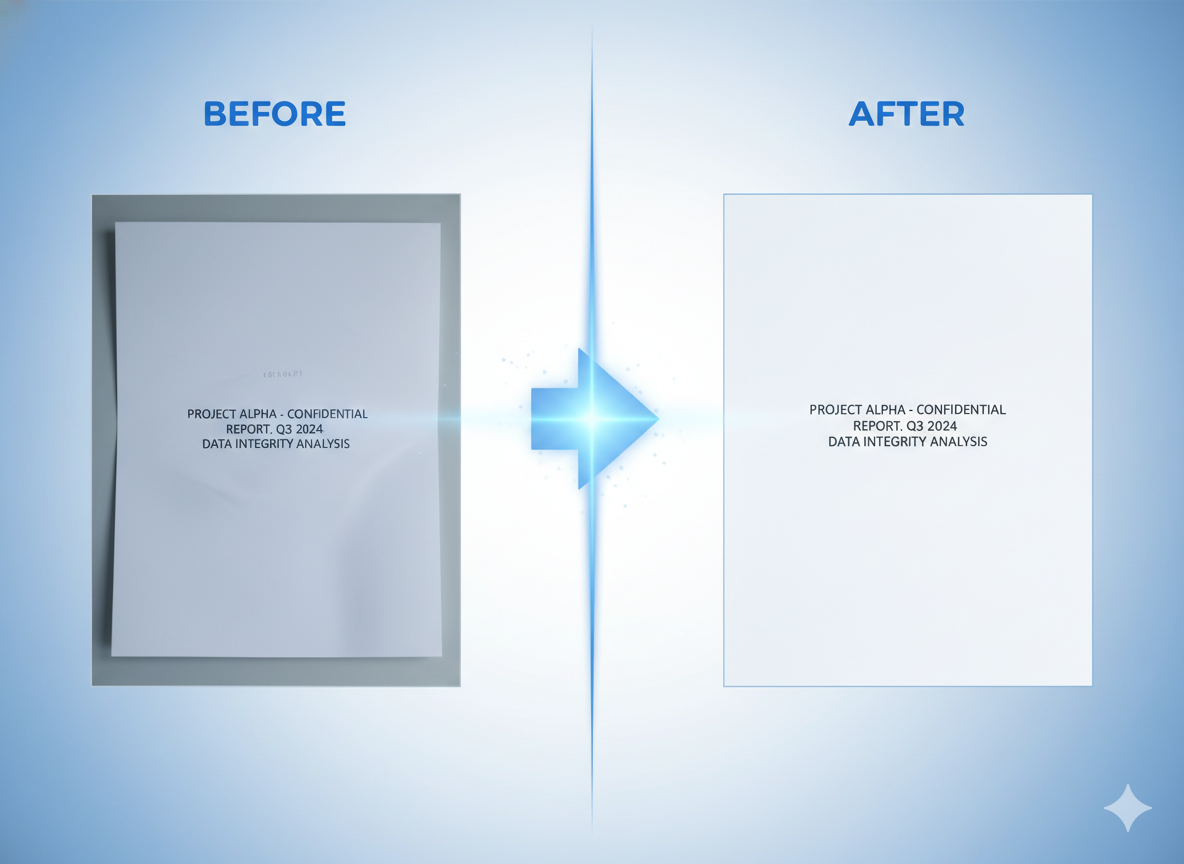
Our tool automatically detects the text orientation and straightens the image. The process is quick and fully automated, no manual adjustment needed.
Download Corrected Image(s)
View the original and corrected images side-by-side. Download individual corrected images or get them all in a convenient ZIP file.
Why Use Our Image Straightener?
- High Accuracy: Powered by advanced algorithms to precisely detect and correct skew.
- Batch Processing: Straighten multiple images in a single operation.
- Easy to Use: A simple, intuitive interface for quick corrections.
- Fast Processing: Get your images aligned in seconds.
- Free & Online: No downloads or installation required, completely free.
- Secure & Private: Your files are processed securely and are not stored.
Common Use Cases for Image Alignment
Prepare for OCR
Improve OCR accuracy by de-skewing documents before text extraction.
Digitize Scans
Straighten scanned pages from books, reports, or letters for clean digital archives.
Correct Photos
Fix rotated or tilted photos of whiteboards, presentations, or signs for better viewing.
Data Entry
Clean up images of forms or tables to make manual data entry easier and faster.